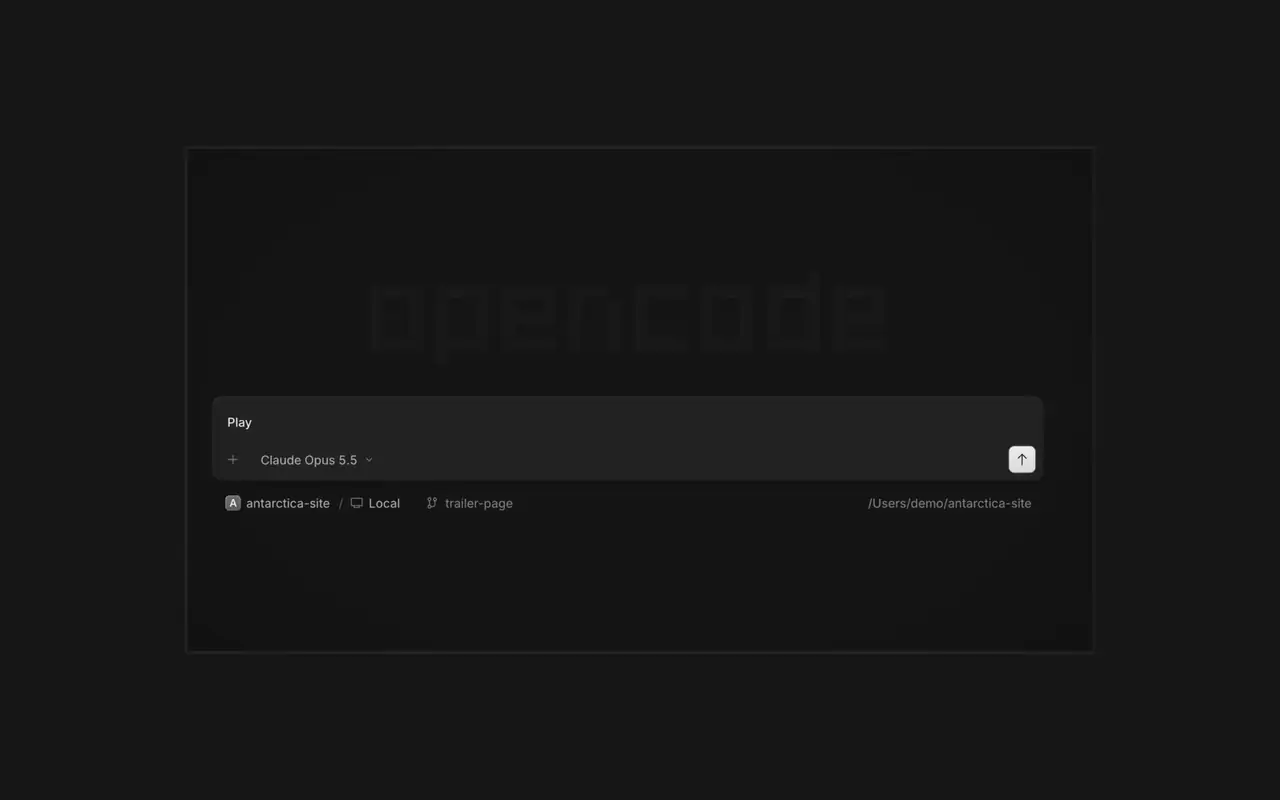

平行代理
想啟動多少個代理都可以,讓它們全部平行工作。哪個完成了,就切換過去查看。
想啟動多少個代理都可以,讓它們全部平行工作。哪個完成了,就切換過去查看。

你的應用程式會在代理旁的瀏覽器中開啟,你和代理都能看到每項變更落地。

在你的所有裝置上啟動代理,並在桌面應用程式、終端機或手機上繼續。
連接你的工具和服務,讓代理能處理任何事情。或者讓 OpenCode 為自己建立外掛程式,並在側邊欄中擁有自己的介面。
As a session nears automatic compaction, the summary is now written in the background, so your next prompt doesn't pause for it. Set compaction.background: false to turn it off; a background summary that ends up unused still costs tokens.#64290
Open Settings › Extensions, click Check for updates, then Update on any plugin with a new version.#64511
Selecting code in diff and file viewers now just selects it, so you can copy it, and an Add comment toolbar appears beside the selection.#64410
→ enters it to pick a variant or toggle Favorite, and ← or Escape goes back. A model's Console budget and reset time now show in the flyout.#64409#64423drafts.sqlite was a symlink to or copy of the CLI's opencode.db. The desktop now moves that file aside and creates its own, leaving the CLI database untouched.#64203OpenCode 1 now offers the upgrade to OpenCode 2.0. OpenCode 2 downloads in the background and installs only when you choose: Restart to upgrade, Upgrade on quit, or Later. Your sessions, projects, and settings are kept. Plugins made for OpenCode 1 need an update.
In the desktop app, open Jump to message from the command palette or press Cmd+Alt+G (Ctrl+Alt+G on Windows and Linux) to search prompts across the current session and jump directly to one.#63585