Saltar al contenido

Terminal

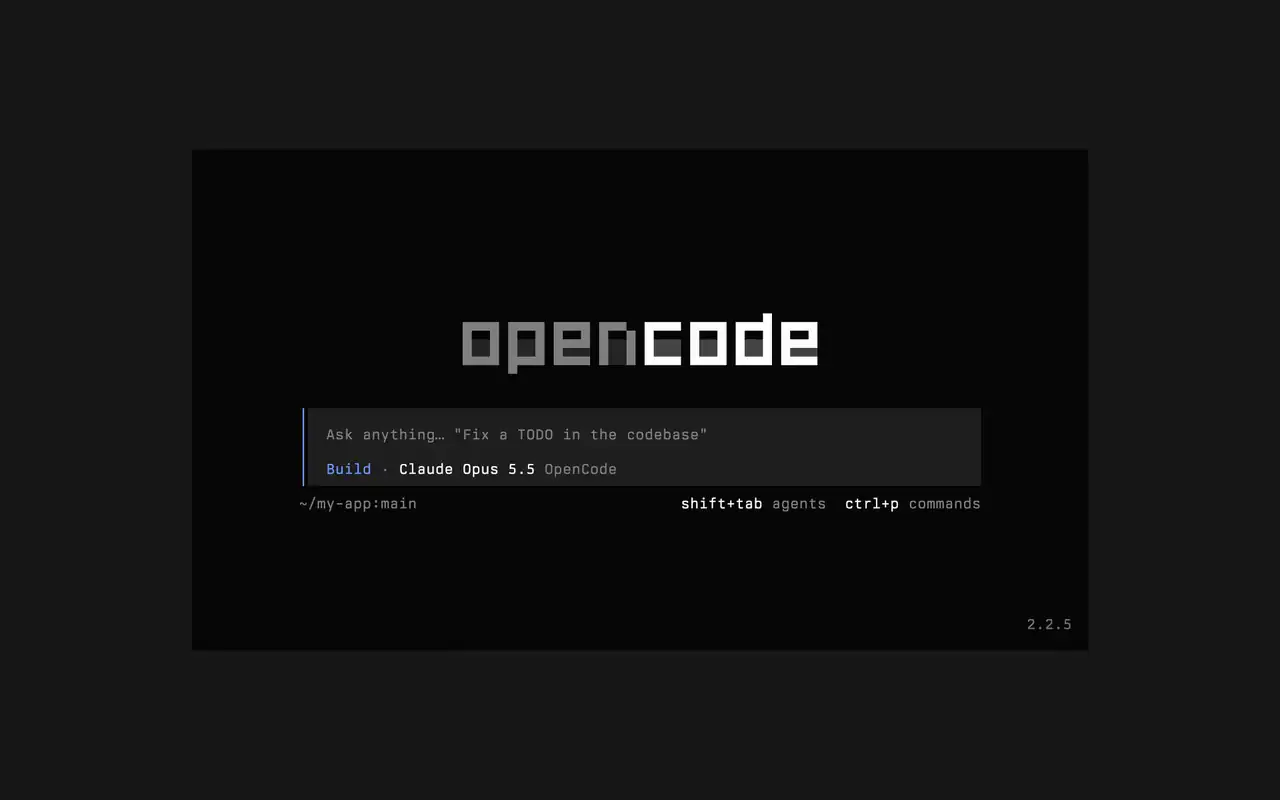
Una interfaz de terminal rápida que funciona en cualquier shell, editor o servidor remoto. Describe lo que quieres con tus palabras, mira cómo llega cada edición como diff y elige qué comandos se ejecutan solos.

Funciones

Pide con tus palabras

Escribe lo que quieres y el agente muestra su plan mientras trabaja.

Aprueba lo que corre

Las ediciones se muestran como diffs y los comandos esperan tu permiso.

Hazlo tuyo

Cambia de tema con una tecla, del predeterminado a tokyonight y más.

Mini

Con opencode mini, las respuestas van a tu propio historial.

  • Toda terminalFunciona en cualquier shell, en la terminal de tu editor o en un servidor remoto.
  • Diffs en la líneaMira cada edición como diff en la línea de tiempo, a medida que el agente la hace.
  • Retoma luegoContinúa la última sesión con -c, o cualquiera con -s.
  • Ejecución únicaopencode run envía un mensaje e imprime la respuesta.
  • Agentes y comandosCambia de agente con shift+tab y abre todos los comandos con ctrl+p.
  • AutoaprobarEjecuta con --auto para permitir cualquier acción que no hayas denegado.
  • Todo servidorConéctate a un servidor de OpenCode por URL con --server.
  • Estadísticasopencode stats muestra estadísticas de uso para compartir.

  • curlcurl -fsSL https://opencode.ai/v2/install | bash
  • npmnpm install -g @opencode/cli
  • bunbun install -g --trust @opencode/cli
  • brewbrew install anomalyco/tap/opencode-v2
  • paruparu -S opencode-beta

Novedades

  1. v2.3.1

    Removed time to first token (ttft) from the assistant message footer

    Removed time to first token (ttft) from the assistant message footer. Tokens per second still shows when session.tps is on.#63759

    Ver todos los destacados de v2.3.1

    Mejoras

    • TerminalPermission prompts from a subagent, and from that subagent's own subagents, now appear while you view the subagent's session. Prompts also show in front of an open composer.#64343
    • TerminalThe export dialog under the new designs can save to the system temp directory as well as the project folder. Thanks @Tarquinen.#62490

    Correcciones

    • TerminalWhen another TUI sharing your tabs closes the session you're viewing, closing it here now moves to the neighbouring tab.#64261
    • TerminalFixed broken characters at the edges of the shell output viewer and the inline shell display when output is long.#63967#63984
  2. v2.3.0

    Quieter Transcripts by Default

    The TUI now summarizes each run of tool calls and thoughts into one collapsible activity row, so the answer is easier to follow. To see every step again, set Verbosity to medium or high in settings, or set session.verbosity in your TUI config; an existing setting is kept.#63207

    Ver todos los destacados de v2.3.0

    Mejoras

    • TerminalSession IDs found in messages can now be opened directly.
    • TerminalActivity tabs are clickable and open the correct view.
    • TerminalShell mode has its own prompt color under the new designs.

    Correcciones

    • TerminalRestored pasted text when undo brings back its placeholder.
    • TerminalRestored the live draft after browsing prompt history.
    • TerminalFixed copying a paste from within the prompt selection.
    • TerminalPreserved the Mini composer caret when closing the command palette.
    5 más correcciones
  3. v2.2.7

    The update and confirm dialogs have buttons you can move between with ←/→ and Tab/Shift+Tab

    Ver todos los destacados de v2.2.7

    Mejoras

    • TerminalThe model picker no longer has a Usage action; use /usage instead.#62927

    Correcciones

    • TerminalSession exports are saved in the current working directory instead of the system temp folder.#62253
    • TerminalTyping a child session's exact ID in the open-session menu lists that session.#62262
    • TerminalThe TUI follows the terminal's current light or dark mode instead of a cached palette.#62248
Ver todas las novedades