К содержимому

Terminal

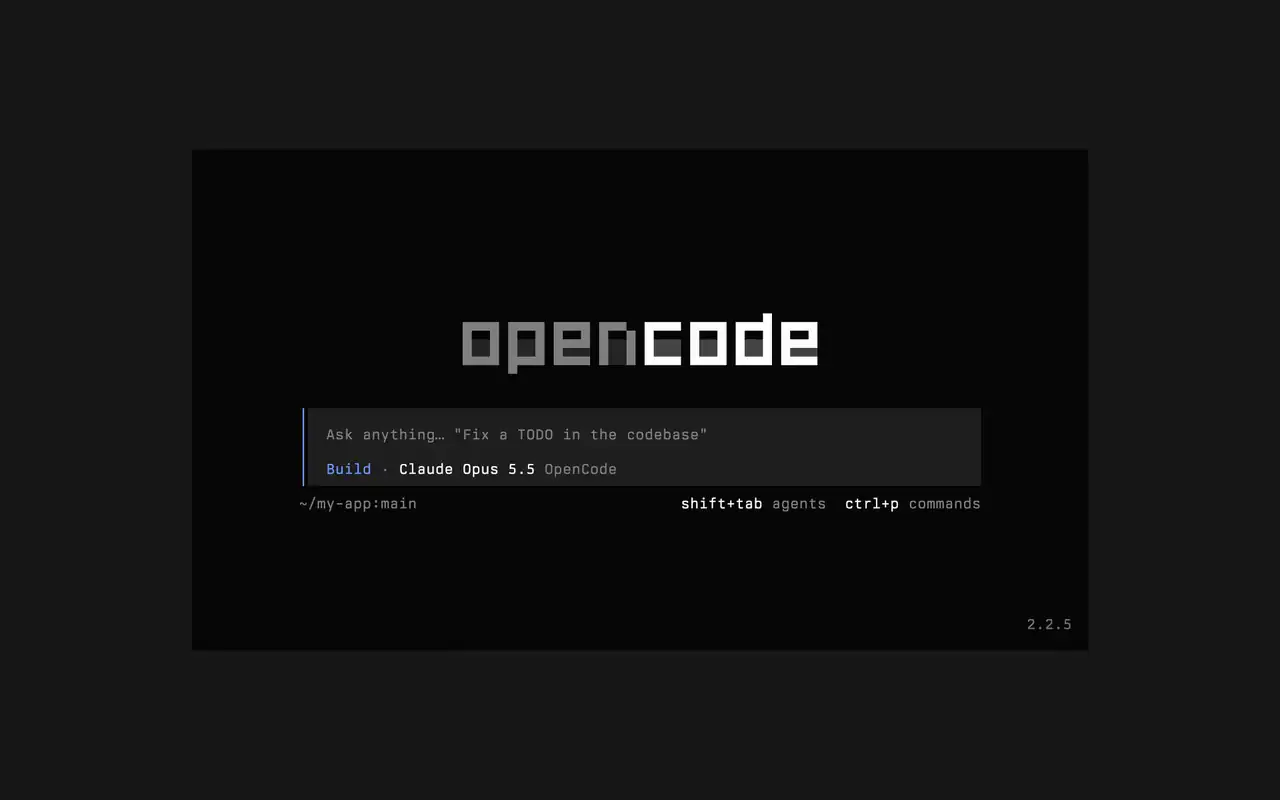
Быстрый терминальный интерфейс для любой оболочки, редактора или удалённого сервера. Опишите задачу простыми словами, смотрите, как каждая правка появляется в виде диффа, и решайте, какие команды запускаются сами.

Возможности

Простыми словами

Напишите, что нужно, и агент покажет свой план по ходу работы.

Одобряйте запуски

Правки видны как диффы, а команды ждут вашего разрешения.

Под себя

Меняйте темы одним нажатием, от стандартной до tokyonight и других.

Mini

С opencode mini ответы выводятся в вашу историю прокрутки.

  • Любой терминалРаботает в любой оболочке, во встроенном терминале редактора или на удалённом сервере.
  • Диффы в лентеКаждая правка видна как дифф в ленте, пока агент её вносит.
  • Продолжить позжеПродолжите последнюю сессию с -c или любую другую с -s.
  • Разовые запускиopencode run отправляет одно сообщение и выводит ответ.
  • Агенты и командыПереключайте агентов клавишами shift+tab и открывайте все команды через ctrl+p.
  • АвтоодобрениеЗапустите с --auto, чтобы разрешить все действия, которые вы не запретили.
  • Любой серверПодключайтесь к серверу OpenCode по URL с помощью --server.
  • Статистикаopencode stats показывает статистику использования, которой можно поделиться.

  • curlcurl -fsSL https://opencode.ai/v2/install | bash
  • npmnpm install -g @opencode/cli
  • bunbun install -g --trust @opencode/cli
  • brewbrew install anomalyco/tap/opencode-v2
  • paruparu -S opencode-beta

Список изменений

  1. v2.3.1

    Removed time to first token (ttft) from the assistant message footer

    Removed time to first token (ttft) from the assistant message footer. Tokens per second still shows when session.tps is on.#63759

    Все главные изменения v2.3.1

    Улучшения

    • TerminalPermission prompts from a subagent, and from that subagent's own subagents, now appear while you view the subagent's session. Prompts also show in front of an open composer.#64343
    • TerminalThe export dialog under the new designs can save to the system temp directory as well as the project folder. Thanks @Tarquinen.#62490

    Исправления

    • TerminalWhen another TUI sharing your tabs closes the session you're viewing, closing it here now moves to the neighbouring tab.#64261
    • TerminalFixed broken characters at the edges of the shell output viewer and the inline shell display when output is long.#63967#63984
  2. v2.3.0

    Quieter Transcripts by Default

    The TUI now summarizes each run of tool calls and thoughts into one collapsible activity row, so the answer is easier to follow. To see every step again, set Verbosity to medium or high in settings, or set session.verbosity in your TUI config; an existing setting is kept.#63207

    Все главные изменения v2.3.0

    Улучшения

    • TerminalSession IDs found in messages can now be opened directly.
    • TerminalActivity tabs are clickable and open the correct view.
    • TerminalShell mode has its own prompt color under the new designs.

    Исправления

    • TerminalRestored pasted text when undo brings back its placeholder.
    • TerminalRestored the live draft after browsing prompt history.
    • TerminalFixed copying a paste from within the prompt selection.
    • TerminalPreserved the Mini composer caret when closing the command palette.
    Ещё 5 исправления
  3. v2.2.7

    The update and confirm dialogs have buttons you can move between with ←/→ and Tab/Shift+Tab

    Все главные изменения v2.2.7

    Улучшения

    • TerminalThe model picker no longer has a Usage action; use /usage instead.#62927

    Исправления

    • TerminalSession exports are saved in the current working directory instead of the system temp folder.#62253
    • TerminalTyping a child session's exact ID in the open-session menu lists that session.#62262
    • TerminalThe TUI follows the terminal's current light or dark mode instead of a cached palette.#62248
Все обновления