До вмісту

Terminal

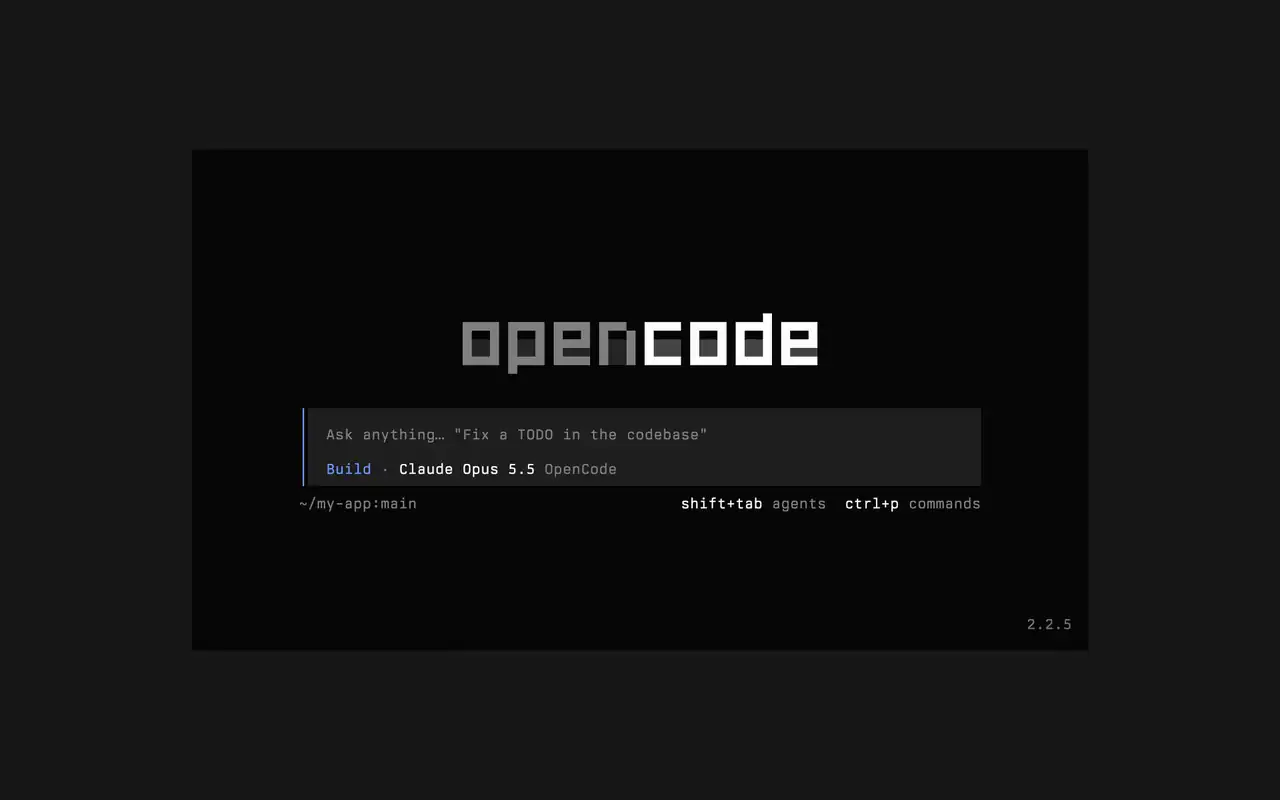
Швидкий термінальний інтерфейс для будь-якої оболонки, редактора чи віддаленого сервера. Опишіть завдання простими словами, дивіться, як кожна правка з'являється у вигляді диффа, і вирішуйте, які команди запускаються самі.

Можливості

Простими словами

Напишіть, що потрібно, і агент покаже свій план у міру роботи.

Схвалюйте запуски

Правки видно як диффи, а команди чекають вашого дозволу.

Під себе

Змінюйте теми одним натисканням, від стандартної до tokyonight та інших.

Mini

З opencode mini відповіді виводяться у вашу історію прокрутки.

  • Будь-який терміналПрацює в будь-якій оболонці, у вбудованому терміналі редактора чи на віддаленому сервері.
  • Диффи в стрічціКожна правка видна як дифф у стрічці, поки агент її вносить.
  • Продовжити пізнішеПродовжте останню сесію з -c або будь-яку іншу з -s.
  • Разові запускиopencode run надсилає одне повідомлення й виводить відповідь.
  • Агенти й командиПеремикайте агентів клавішами shift+tab і відкривайте всі команди через ctrl+p.
  • АвтосхваленняЗапустіть з --auto, щоб дозволити всі дії, які ви не заборонили.
  • Будь-який серверПідключайтеся до сервера OpenCode за URL за допомогою --server.
  • Статистикаopencode stats показує статистику використання, якою можна поділитися.

  • curlcurl -fsSL https://opencode.ai/v2/install | bash
  • npmnpm install -g @opencode/cli
  • bunbun install -g --trust @opencode/cli
  • brewbrew install anomalyco/tap/opencode-v2
  • paruparu -S opencode-beta

Журнал змін

  1. v2.3.1

    Removed time to first token (ttft) from the assistant message footer

    Removed time to first token (ttft) from the assistant message footer. Tokens per second still shows when session.tps is on.#63759

    Усі головні зміни v2.3.1

    Покращення

    • TerminalPermission prompts from a subagent, and from that subagent's own subagents, now appear while you view the subagent's session. Prompts also show in front of an open composer.#64343
    • TerminalThe export dialog under the new designs can save to the system temp directory as well as the project folder. Thanks @Tarquinen.#62490

    Виправлення

    • TerminalWhen another TUI sharing your tabs closes the session you're viewing, closing it here now moves to the neighbouring tab.#64261
    • TerminalFixed broken characters at the edges of the shell output viewer and the inline shell display when output is long.#63967#63984
  2. v2.3.0

    Quieter Transcripts by Default

    The TUI now summarizes each run of tool calls and thoughts into one collapsible activity row, so the answer is easier to follow. To see every step again, set Verbosity to medium or high in settings, or set session.verbosity in your TUI config; an existing setting is kept.#63207

    Усі головні зміни v2.3.0

    Покращення

    • TerminalSession IDs found in messages can now be opened directly.
    • TerminalActivity tabs are clickable and open the correct view.
    • TerminalShell mode has its own prompt color under the new designs.

    Виправлення

    • TerminalRestored pasted text when undo brings back its placeholder.
    • TerminalRestored the live draft after browsing prompt history.
    • TerminalFixed copying a paste from within the prompt selection.
    • TerminalPreserved the Mini composer caret when closing the command palette.
    Ще 5 виправлення
  3. v2.2.7

    The update and confirm dialogs have buttons you can move between with ←/→ and Tab/Shift+Tab

    Усі головні зміни v2.2.7

    Покращення

    • TerminalThe model picker no longer has a Usage action; use /usage instead.#62927

    Виправлення

    • TerminalSession exports are saved in the current working directory instead of the system temp folder.#62253
    • TerminalTyping a child session's exact ID in the open-session menu lists that session.#62262
    • TerminalThe TUI follows the terminal's current light or dark mode instead of a cached palette.#62248
Усі оновлення