본문으로 건너뛰기

Terminal

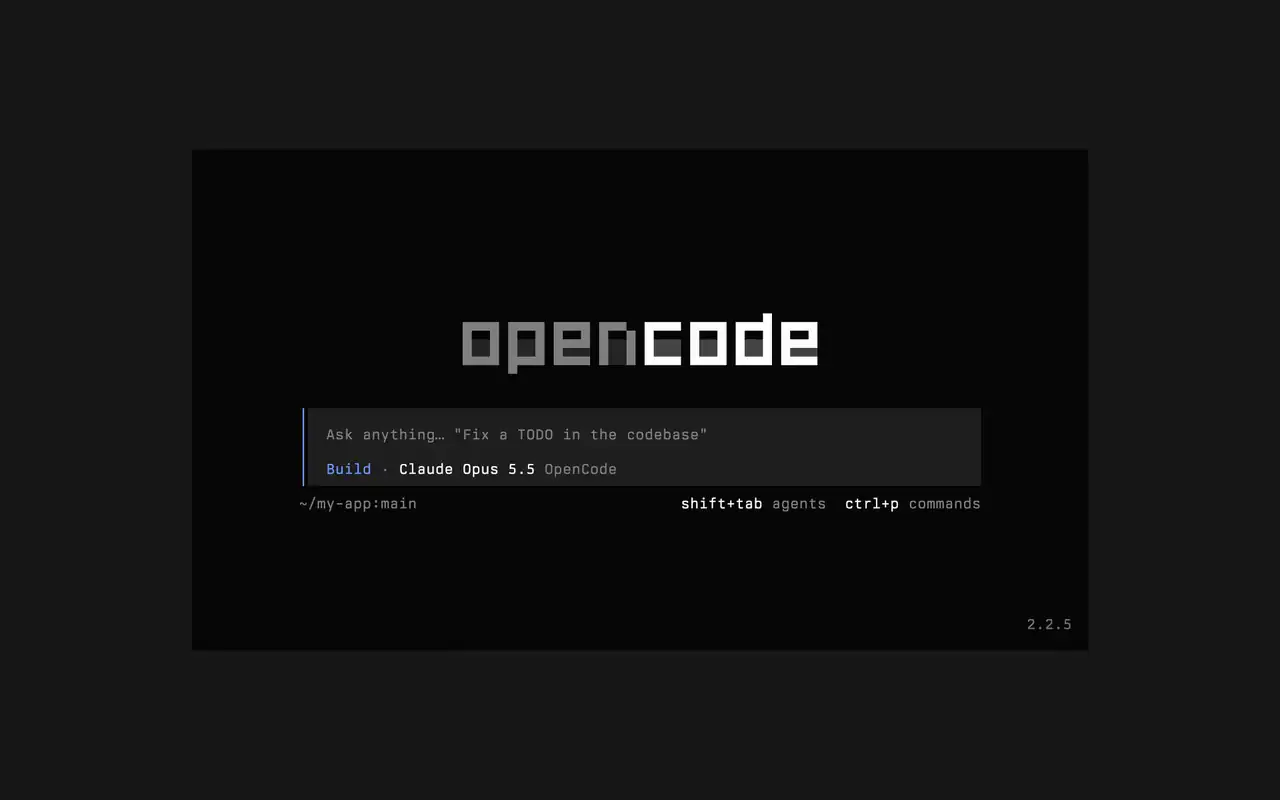
어떤 셸, 에디터, 원격 서버에서도 동작하는 빠른 터미널 UI입니다. 원하는 것을 평소 말투로 설명하고, 편집이 diff로 반영되는 모습을 지켜보고, 스스로 실행될 명령어를 직접 정하세요.

기능

평소 말투로 요청

원하는 것을 입력하면 에이전트가 작업하면서 계획을 보여 줍니다.

실행할 것만 승인

편집은 diff로 표시되고, 명령어는 허락을 기다립니다.

내 취향대로

기본 테마부터 tokyonight까지, 키 하나로 테마를 바꾸세요.

Mini

opencode mini를 실행하면 답변이 내 스크롤백에 출력됩니다.

  • 모든 터미널어떤 셸, 에디터의 터미널, 원격 서버에서도 동작합니다.
  • 타임라인 속 diff에이전트가 편집할 때마다 타임라인에 diff로 표시됩니다.
  • 나중에 이어 하기-c로 마지막 세션을, -s로 원하는 세션을 이어 가세요.
  • 일회성 실행opencode run은 메시지 하나를 보내고 답변을 출력합니다.
  • 에이전트와 명령어shift+tab으로 에이전트를 바꾸고 ctrl+p로 모든 명령어를 여세요.
  • 자동 승인--auto로 실행하면 거부하지 않은 모든 작업을 허용합니다.
  • 모든 서버--server로 URL을 지정해 OpenCode 서버에 연결하세요.
  • 사용 통계opencode stats는 공유할 수 있는 사용 통계를 보여 줍니다.

  • curlcurl -fsSL https://opencode.ai/v2/install | bash
  • npmnpm install -g @opencode/cli
  • bunbun install -g --trust @opencode/cli
  • brewbrew install anomalyco/tap/opencode-v2
  • paruparu -S opencode-beta

변경 내역

  1. v2.3.1

    Removed time to first token (ttft) from the assistant message footer

    Removed time to first token (ttft) from the assistant message footer. Tokens per second still shows when session.tps is on.#63759

    v2.3.1의 하이라이트 모두 보기

    개선 사항

    • TerminalPermission prompts from a subagent, and from that subagent's own subagents, now appear while you view the subagent's session. Prompts also show in front of an open composer.#64343
    • TerminalThe export dialog under the new designs can save to the system temp directory as well as the project folder. Thanks @Tarquinen.#62490

    수정 사항

    • TerminalWhen another TUI sharing your tabs closes the session you're viewing, closing it here now moves to the neighbouring tab.#64261
    • TerminalFixed broken characters at the edges of the shell output viewer and the inline shell display when output is long.#63967#63984
  2. v2.3.0

    Quieter Transcripts by Default

    The TUI now summarizes each run of tool calls and thoughts into one collapsible activity row, so the answer is easier to follow. To see every step again, set Verbosity to medium or high in settings, or set session.verbosity in your TUI config; an existing setting is kept.#63207

    v2.3.0의 하이라이트 모두 보기

    개선 사항

    • TerminalSession IDs found in messages can now be opened directly.
    • TerminalActivity tabs are clickable and open the correct view.
    • TerminalShell mode has its own prompt color under the new designs.

    수정 사항

    • TerminalRestored pasted text when undo brings back its placeholder.
    • TerminalRestored the live draft after browsing prompt history.
    • TerminalFixed copying a paste from within the prompt selection.
    • TerminalPreserved the Mini composer caret when closing the command palette.
    5개 더 보기 수정 사항
  3. v2.2.7

    The update and confirm dialogs have buttons you can move between with ←/→ and Tab/Shift+Tab

    v2.2.7의 하이라이트 모두 보기

    개선 사항

    • TerminalThe model picker no longer has a Usage action; use /usage instead.#62927

    수정 사항

    • TerminalSession exports are saved in the current working directory instead of the system temp folder.#62253
    • TerminalTyping a child session's exact ID in the open-session menu lists that session.#62262
    • TerminalThe TUI follows the terminal's current light or dark mode instead of a cached palette.#62248
전체 업데이트 보기