Hopp til innholdet

Terminal

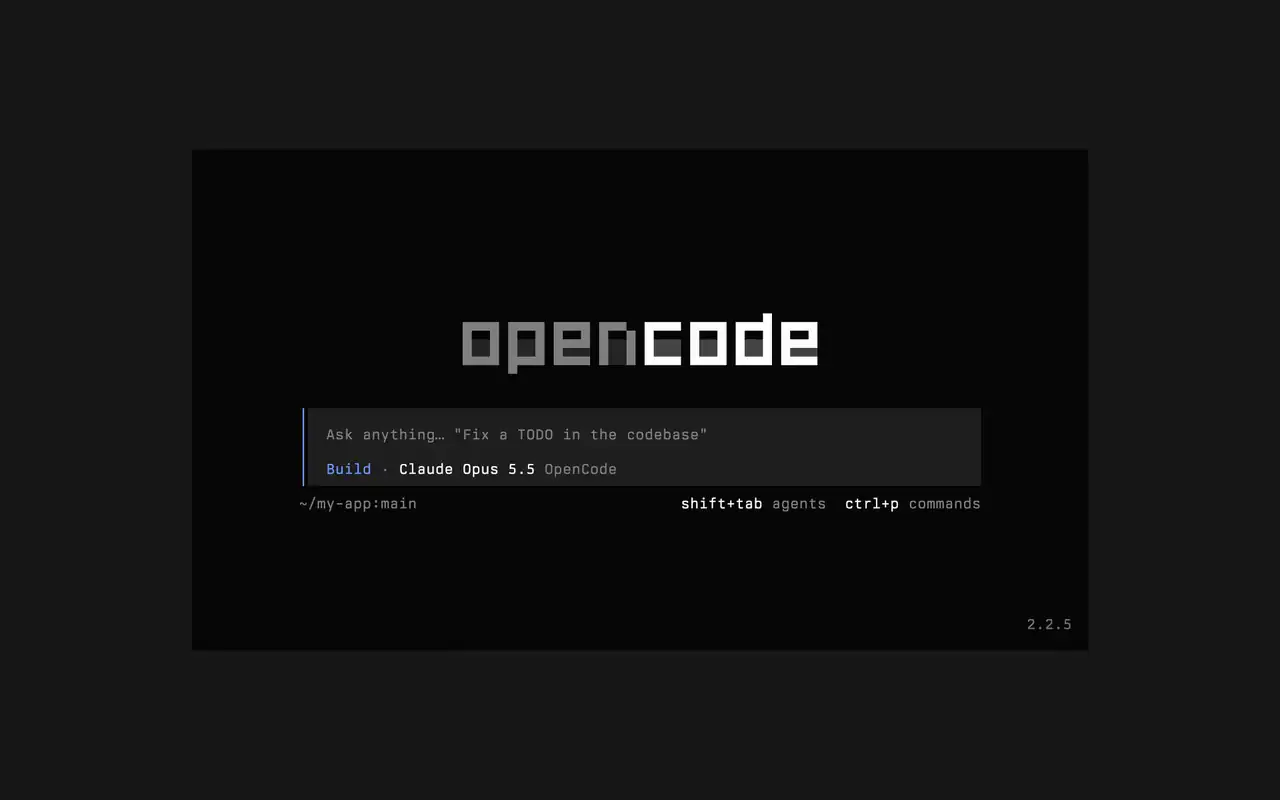
Et raskt terminalgrensesnitt som fungerer i alle skall, editorer og eksterne servere. Beskriv med vanlige ord hva du vil, se hver endring komme som en diff, og velg hvilke kommandoer som kjører av seg selv.

Funksjoner

Spør med egne ord

Skriv hva du vil, så viser agenten planen sin mens den jobber.

Godkjenn det som kjører

Endringer vises som differ, og kommandoer venter på tillatelsen din.

Gjør det til ditt

Bytt tema med ett tastetrykk, fra standard til tokyonight og flere.

Mini

Kjør opencode mini, så skrives svarene inn i din egen scrollback.

  • Alle terminalerFungerer i alle skall, i terminalen i editoren din eller på en ekstern server.
  • Differ i tidslinjenSe hver endring som en diff i tidslinjen mens agenten gjør den.
  • Fortsett senereFortsett den siste sesjonen med -c, eller en hvilken som helst med -s.
  • Enkeltkjøringeropencode run sender én melding og skriver ut svaret.
  • Agenter og kommandoerBytt agent med shift+tab og åpne alle kommandoer med ctrl+p.
  • AutogodkjennKjør med --auto for å tillate alle handlinger du ikke har avvist.
  • Alle servereKoble til en OpenCode-server via URL med --server.
  • Bruksstatistikkopencode stats viser bruksstatistikk du kan dele.

  • curlcurl -fsSL https://opencode.ai/v2/install | bash
  • npmnpm install -g @opencode/cli
  • bunbun install -g --trust @opencode/cli
  • brewbrew install anomalyco/tap/opencode-v2
  • paruparu -S opencode-beta

Endringslogg

  1. v2.3.1

    Removed time to first token (ttft) from the assistant message footer

    Removed time to first token (ttft) from the assistant message footer. Tokens per second still shows when session.tps is on.#63759

    Se alle høydepunkter i v2.3.1

    Forbedringer

    • TerminalPermission prompts from a subagent, and from that subagent's own subagents, now appear while you view the subagent's session. Prompts also show in front of an open composer.#64343
    • TerminalThe export dialog under the new designs can save to the system temp directory as well as the project folder. Thanks @Tarquinen.#62490

    Rettelser

    • TerminalWhen another TUI sharing your tabs closes the session you're viewing, closing it here now moves to the neighbouring tab.#64261
    • TerminalFixed broken characters at the edges of the shell output viewer and the inline shell display when output is long.#63967#63984
  2. v2.3.0

    Quieter Transcripts by Default

    The TUI now summarizes each run of tool calls and thoughts into one collapsible activity row, so the answer is easier to follow. To see every step again, set Verbosity to medium or high in settings, or set session.verbosity in your TUI config; an existing setting is kept.#63207

    Se alle høydepunkter i v2.3.0

    Forbedringer

    • TerminalSession IDs found in messages can now be opened directly.
    • TerminalActivity tabs are clickable and open the correct view.
    • TerminalShell mode has its own prompt color under the new designs.

    Rettelser

    • TerminalRestored pasted text when undo brings back its placeholder.
    • TerminalRestored the live draft after browsing prompt history.
    • TerminalFixed copying a paste from within the prompt selection.
    • TerminalPreserved the Mini composer caret when closing the command palette.
    5 til rettelser
  3. v2.2.7

    The update and confirm dialogs have buttons you can move between with ←/→ and Tab/Shift+Tab

    Se alle høydepunkter i v2.2.7

    Forbedringer

    • TerminalThe model picker no longer has a Usage action; use /usage instead.#62927

    Rettelser

    • TerminalSession exports are saved in the current working directory instead of the system temp folder.#62253
    • TerminalTyping a child session's exact ID in the open-session menu lists that session.#62262
    • TerminalThe TUI follows the terminal's current light or dark mode instead of a cached palette.#62248
Se alle oppdateringer