跳到正文

Terminal

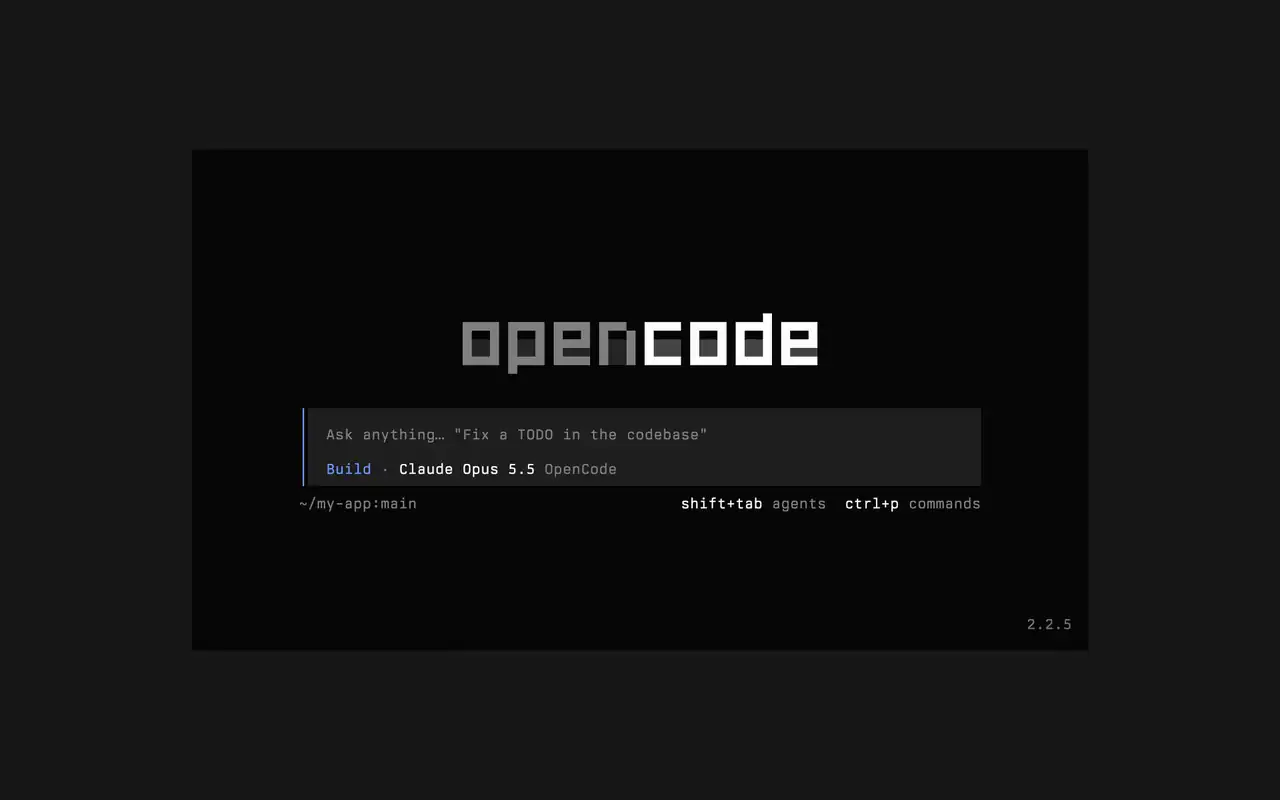
快速的终端界面,可在任意 shell、编辑器或远程服务器中使用。用自然语言描述需求,看着每处编辑以 diff 呈现,并选择哪些命令可以自动运行。

功能

用自然语言提问

输入您的需求,代理会在工作时展示计划。

批准要运行的内容

编辑以 diff 显示,命令会等待您的许可。

随心定制

一键切换主题,从默认主题到 tokyonight 等。

Mini

运行 opencode mini,回复会输出到您自己的滚动记录中。

  • 任意终端可在任意 shell、编辑器的终端或远程服务器中使用。
  • 时间线中的 diff代理每做一处编辑,都会以 diff 显示在时间线中。
  • 稍后继续用 -c 继续上一个会话,或用 -s 继续任意会话。
  • 单次运行opencode run 发送一条消息并输出回复。
  • 代理和命令用 shift+tab 切换代理,用 ctrl+p 打开所有命令。
  • 自动批准使用 --auto 运行,即可允许所有您未拒绝的操作。
  • 任意服务器使用 --server 通过 URL 连接到 OpenCode 服务器。
  • 使用统计opencode stats 显示可分享的使用统计。

  • curlcurl -fsSL https://opencode.ai/v2/install | bash
  • npmnpm install -g @opencode/cli
  • bunbun install -g --trust @opencode/cli
  • brewbrew install anomalyco/tap/opencode-v2
  • paruparu -S opencode-beta

更新日志

  1. v2.3.1

    Removed time to first token (ttft) from the assistant message footer

    Removed time to first token (ttft) from the assistant message footer. Tokens per second still shows when session.tps is on.#63759

    查看 v2.3.1 的全部亮点

    改进

    • TerminalPermission prompts from a subagent, and from that subagent's own subagents, now appear while you view the subagent's session. Prompts also show in front of an open composer.#64343
    • TerminalThe export dialog under the new designs can save to the system temp directory as well as the project folder. Thanks @Tarquinen.#62490

    修复

    • TerminalWhen another TUI sharing your tabs closes the session you're viewing, closing it here now moves to the neighbouring tab.#64261
    • TerminalFixed broken characters at the edges of the shell output viewer and the inline shell display when output is long.#63967#63984
  2. v2.3.0

    Quieter Transcripts by Default

    The TUI now summarizes each run of tool calls and thoughts into one collapsible activity row, so the answer is easier to follow. To see every step again, set Verbosity to medium or high in settings, or set session.verbosity in your TUI config; an existing setting is kept.#63207

    查看 v2.3.0 的全部亮点

    改进

    • TerminalSession IDs found in messages can now be opened directly.
    • TerminalActivity tabs are clickable and open the correct view.
    • TerminalShell mode has its own prompt color under the new designs.

    修复

    • TerminalRestored pasted text when undo brings back its placeholder.
    • TerminalRestored the live draft after browsing prompt history.
    • TerminalFixed copying a paste from within the prompt selection.
    • TerminalPreserved the Mini composer caret when closing the command palette.
    还有 5 项 修复
  3. v2.2.7

    The update and confirm dialogs have buttons you can move between with ←/→ and Tab/Shift+Tab

    查看 v2.2.7 的全部亮点

    改进

    • TerminalThe model picker no longer has a Usage action; use /usage instead.#62927

    修复

    • TerminalSession exports are saved in the current working directory instead of the system temp folder.#62253
    • TerminalTyping a child session's exact ID in the open-session menu lists that session.#62262
    • TerminalThe TUI follows the terminal's current light or dark mode instead of a cached palette.#62248
查看全部更新