Aller au contenu

Terminal

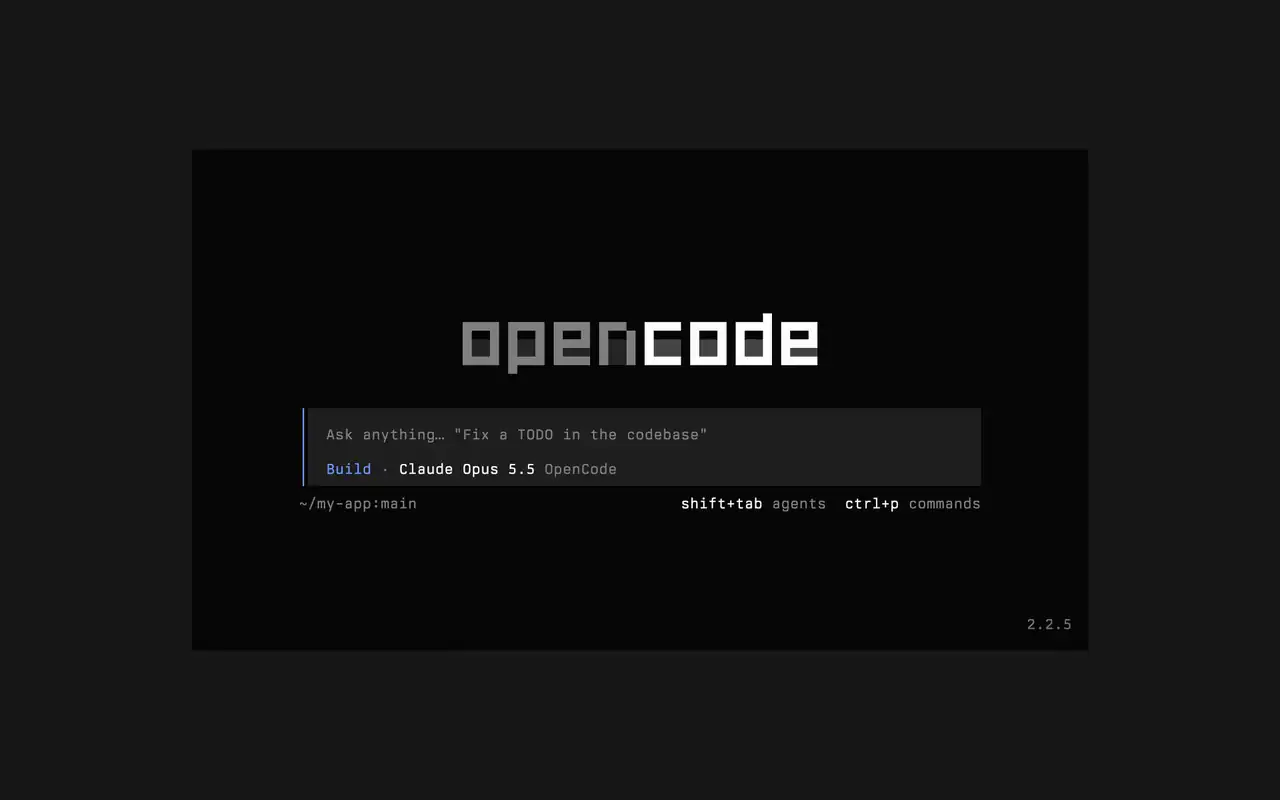
Une interface terminal rapide qui fonctionne dans tout shell, éditeur ou serveur distant. Décrivez ce que vous voulez avec vos mots, regardez chaque modification arriver en diff et choisissez quelles commandes s'exécutent seules.

Fonctionnalités

Demandez avec vos mots

Tapez ce que vous voulez, l'agent montre son plan en travaillant.

Validez les commandes

Les modifications s'affichent en diff, et les commandes attendent votre permission.

À votre image

Changez de thème en une touche, du thème par défaut à tokyonight et bien d'autres.

Mini

Avec opencode mini, les réponses vont dans votre historique.

  • Tout terminalFonctionne dans tout shell, dans le terminal de votre éditeur ou sur un serveur distant.
  • Diffs dans la timelineVoyez chaque modification en diff dans la timeline, au moment où l'agent la fait.
  • Reprendre aprèsReprenez la dernière session avec -c, ou n'importe laquelle avec -s.
  • Exécution uniqueopencode run envoie un message et affiche la réponse.
  • Agents et commandesChangez d'agent avec shift+tab et ouvrez toutes les commandes avec ctrl+p.
  • Approbation autoLancez avec --auto pour autoriser toute action que vous n'avez pas refusée.
  • Tout serveurConnectez-vous à un serveur OpenCode par URL avec --server.
  • Statistiquesopencode stats affiche des statistiques d'usage à partager.

  • curlcurl -fsSL https://opencode.ai/v2/install | bash
  • npmnpm install -g @opencode/cli
  • bunbun install -g --trust @opencode/cli
  • brewbrew install anomalyco/tap/opencode-v2
  • paruparu -S opencode-beta

Changelog

  1. v2.3.1

    Removed time to first token (ttft) from the assistant message footer

    Removed time to first token (ttft) from the assistant message footer. Tokens per second still shows when session.tps is on.#63759

    Voir tous les points forts de v2.3.1

    Améliorations

    • TerminalPermission prompts from a subagent, and from that subagent's own subagents, now appear while you view the subagent's session. Prompts also show in front of an open composer.#64343
    • TerminalThe export dialog under the new designs can save to the system temp directory as well as the project folder. Thanks @Tarquinen.#62490

    Correctifs

    • TerminalWhen another TUI sharing your tabs closes the session you're viewing, closing it here now moves to the neighbouring tab.#64261
    • TerminalFixed broken characters at the edges of the shell output viewer and the inline shell display when output is long.#63967#63984
  2. v2.3.0

    Quieter Transcripts by Default

    The TUI now summarizes each run of tool calls and thoughts into one collapsible activity row, so the answer is easier to follow. To see every step again, set Verbosity to medium or high in settings, or set session.verbosity in your TUI config; an existing setting is kept.#63207

    Voir tous les points forts de v2.3.0

    Améliorations

    • TerminalSession IDs found in messages can now be opened directly.
    • TerminalActivity tabs are clickable and open the correct view.
    • TerminalShell mode has its own prompt color under the new designs.

    Correctifs

    • TerminalRestored pasted text when undo brings back its placeholder.
    • TerminalRestored the live draft after browsing prompt history.
    • TerminalFixed copying a paste from within the prompt selection.
    • TerminalPreserved the Mini composer caret when closing the command palette.
    5 de plus correctifs
  3. v2.2.7

    The update and confirm dialogs have buttons you can move between with ←/→ and Tab/Shift+Tab

    Voir tous les points forts de v2.2.7

    Améliorations

    • TerminalThe model picker no longer has a Usage action; use /usage instead.#62927

    Correctifs

    • TerminalSession exports are saved in the current working directory instead of the system temp folder.#62253
    • TerminalTyping a child session's exact ID in the open-session menu lists that session.#62262
    • TerminalThe TUI follows the terminal's current light or dark mode instead of a cached palette.#62248
Voir toutes les mises à jour