Przejdź do treści

Terminal

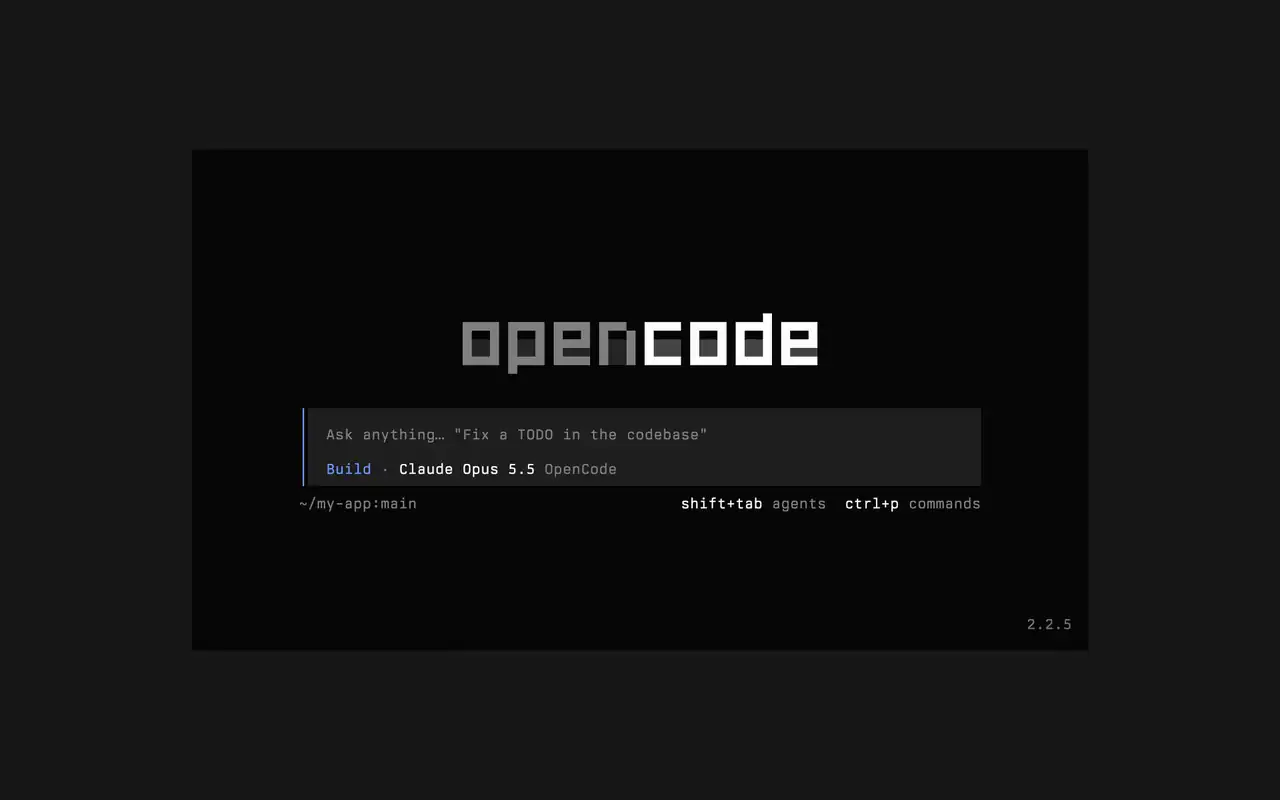
Szybki interfejs terminalowy, który działa w każdej powłoce, edytorze i na zdalnym serwerze. Opisz zwykłymi słowami, czego chcesz, patrz, jak każda edycja pojawia się jako diff, i wybierz, które polecenia uruchamiają się same.

Funkcje

Pisz zwykłymi słowami

Wpisz, czego chcesz, a agent pokaże plan w trakcie pracy.

Zatwierdzaj polecenia

Edycje wyświetlają się jako diffy, a polecenia czekają na Twoją zgodę.

Po swojemu

Zmieniaj motyw jednym klawiszem, od domyślnego po tokyonight i inne.

Mini

Uruchom opencode mini, a odpowiedzi trafią do historii terminala.

  • Każdy terminalDziała w każdej powłoce, w terminalu edytora i na zdalnym serwerze.
  • Diffy na osiOglądaj każdą edycję jako diff na osi czasu, gdy agent ją wprowadza.
  • Wróć późniejKontynuuj ostatnią sesję z -c albo dowolną z -s.
  • Jednorazowoopencode run wysyła jedną wiadomość i wypisuje odpowiedź.
  • Agenci i poleceniaZmieniaj agentów przez shift+tab i otwieraj wszystkie polecenia przez ctrl+p.
  • AutozgodaUruchom z --auto, aby zezwolić na każdą akcję, której nie zablokowałeś.
  • Każdy serwerPołącz się z serwerem OpenCode przez URL z --server.
  • Statystykiopencode stats pokazuje statystyki użycia do udostępnienia.

  • curlcurl -fsSL https://opencode.ai/v2/install | bash
  • npmnpm install -g @opencode/cli
  • bunbun install -g --trust @opencode/cli
  • brewbrew install anomalyco/tap/opencode-v2
  • paruparu -S opencode-beta

Zmiany

  1. v2.3.1

    Removed time to first token (ttft) from the assistant message footer

    Removed time to first token (ttft) from the assistant message footer. Tokens per second still shows when session.tps is on.#63759

    Zobacz wszystkie najważniejsze zmiany w v2.3.1

    Ulepszenia

    • TerminalPermission prompts from a subagent, and from that subagent's own subagents, now appear while you view the subagent's session. Prompts also show in front of an open composer.#64343
    • TerminalThe export dialog under the new designs can save to the system temp directory as well as the project folder. Thanks @Tarquinen.#62490

    Poprawki

    • TerminalWhen another TUI sharing your tabs closes the session you're viewing, closing it here now moves to the neighbouring tab.#64261
    • TerminalFixed broken characters at the edges of the shell output viewer and the inline shell display when output is long.#63967#63984
  2. v2.3.0

    Quieter Transcripts by Default

    The TUI now summarizes each run of tool calls and thoughts into one collapsible activity row, so the answer is easier to follow. To see every step again, set Verbosity to medium or high in settings, or set session.verbosity in your TUI config; an existing setting is kept.#63207

    Zobacz wszystkie najważniejsze zmiany w v2.3.0

    Ulepszenia

    • TerminalSession IDs found in messages can now be opened directly.
    • TerminalActivity tabs are clickable and open the correct view.
    • TerminalShell mode has its own prompt color under the new designs.

    Poprawki

    • TerminalRestored pasted text when undo brings back its placeholder.
    • TerminalRestored the live draft after browsing prompt history.
    • TerminalFixed copying a paste from within the prompt selection.
    • TerminalPreserved the Mini composer caret when closing the command palette.
    Jeszcze 5 poprawki
  3. v2.2.7

    The update and confirm dialogs have buttons you can move between with ←/→ and Tab/Shift+Tab

    Zobacz wszystkie najważniejsze zmiany w v2.2.7

    Ulepszenia

    • TerminalThe model picker no longer has a Usage action; use /usage instead.#62927

    Poprawki

    • TerminalSession exports are saved in the current working directory instead of the system temp folder.#62253
    • TerminalTyping a child session's exact ID in the open-session menu lists that session.#62262
    • TerminalThe TUI follows the terminal's current light or dark mode instead of a cached palette.#62248
Zobacz wszystkie zmiany